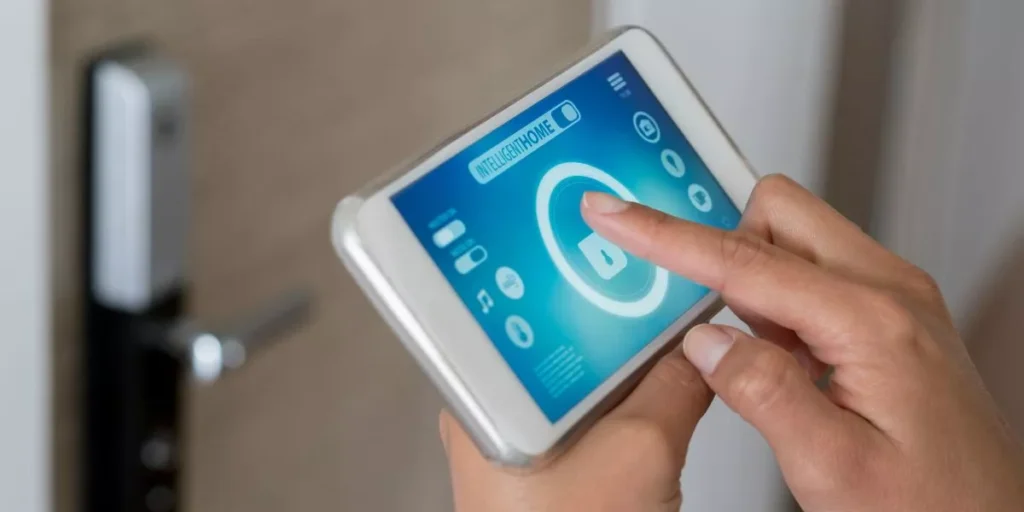
When it comes to securing your home, the realm of smart home security can be a game-changer. Imagine having the ability to monitor your property from anywhere, receive instant alerts, and automate certain security tasks. But where do you start in this intricate landscape of technology and safety? Well, understanding the basics is key, but there’s more to it than just installing devices. Let’s unravel the layers of smart home security together and discover how you can fortify your home in the digital age.
Understanding Smart Home Security Devices
When setting up your smart home security system, it’s essential to understand the various devices available for safeguarding your home.
The primary devices you’ll encounter are smart cameras, door and window sensors, motion detectors, smart locks, and video doorbells. Smart cameras are vital for monitoring your home both indoors and outdoors, providing real-time footage and alerts to your smartphone.
Door and window sensors alert you when a door or window is opened, enhancing your home’s security. Motion detectors sense movement and can trigger alarms or lights to deter potential intruders.
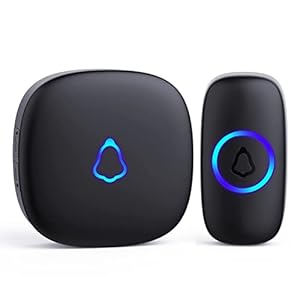
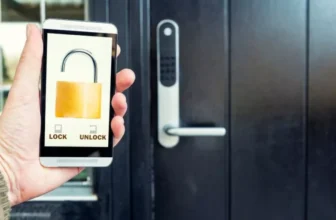
Smart locks offer convenient keyless entry options and allow you to grant access remotely. Video doorbells not only enable you to see and communicate with visitors at your door but also offer additional security features.
Understanding how each of these devices works and where to place them in your home will help you create a comprehensive smart security system that meets your needs.
Setting Up Your Smart Security System
To set up your smart security system effectively, begin by strategically placing your devices throughout your home. Start by installing cameras in key areas such as entry points, the living room, and other vulnerable spots. Make sure they’ve a clear view and are placed out of reach from potential intruders. Next, position motion sensors near doors and windows to detect any unusual activity. Ensure they’re angled correctly to cover the desired area without triggering false alarms.
After placing your devices, connect them to your smart home hub or security system’s app. Follow the manufacturer’s instructions to sync the devices and test their functionality. Set up alerts and notifications to keep you informed of any security breaches or unusual movements. It’s crucial to regularly check the batteries and connectivity of your devices to ensure they’re working correctly.
Maximizing Security Features and Integration
For a comprehensive approach to safeguarding your smart home, explore the full potential of the security features and how they seamlessly integrate to create a robust defense system. Start by ensuring that all your devices are up to date with the latest firmware and security patches. This simple step can prevent vulnerabilities that hackers might exploit. Next, take advantage of features like two-factor authentication to add an extra layer of security to your accounts. Additionally, consider setting up a virtual private network (VPN) to encrypt your internet connection and protect your data from prying eyes.
Integration is key to maximizing your smart home security. Make sure that all your devices can communicate effectively with each other to provide a cohesive security network. Utilize automation features to streamline your security processes, such as setting up routines for arming and disarming your security system. Finally, consider investing in a central hub that can control all your security devices from one place, making it easier to monitor and manage your home’s security effectively.
Tips for Enhancing Home Security
Consider incorporating motion sensor lights around your property to deter potential intruders and enhance your home security. These lights are activated by movement, alerting you to any activity outside your home. Additionally, they can startle intruders by suddenly illuminating the area, making them think they’ve been noticed.
Another tip for enhancing home security is to invest in smart doorbells with cameras. These devices allow you to see who’s at your door, even when you’re not home. They provide real-time footage and two-way communication, enabling you to interact with visitors remotely.
Installing smart locks on your doors is also a great way to boost security. These locks can be controlled via your smartphone, allowing you to lock and unlock your doors from anywhere. You can also monitor who enters and exits your home by receiving notifications whenever the door is accessed.
Trending Products